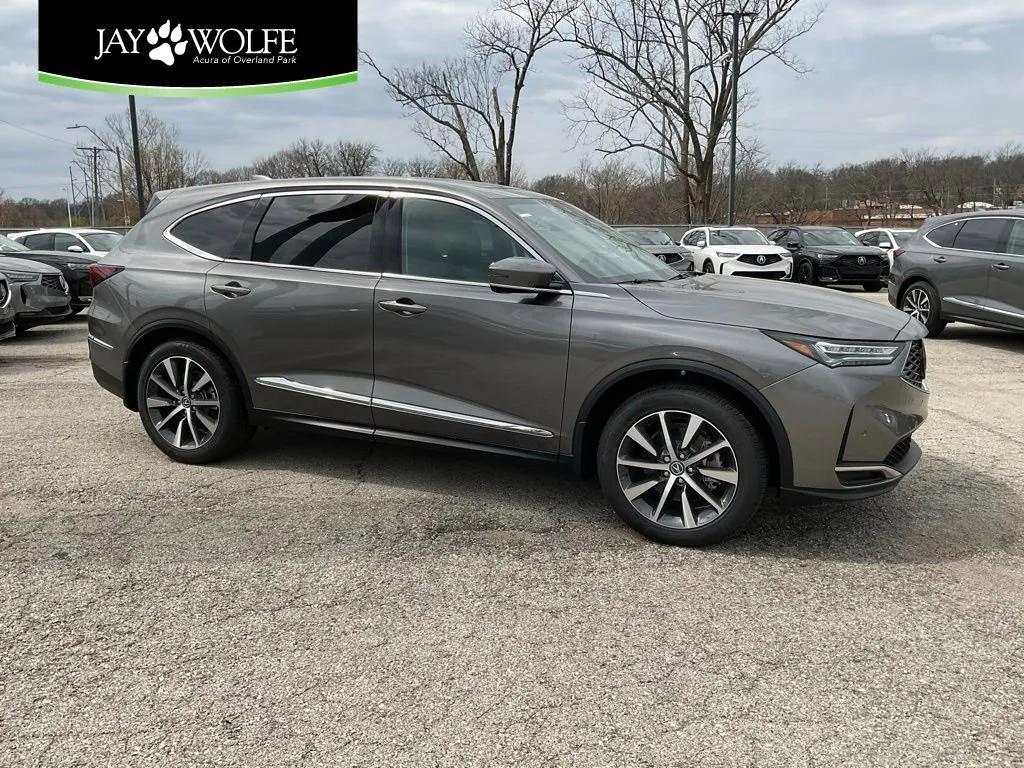
How Acura's Heads-Up Display Improves Safety and Convenience
Table of Contents
How Acura's Heads-Up Display Improves Safety and Convenience
Acura's available heads-up display projects essential driving information onto the windshield directly in your line of sight. This technology might seem like a luxury gimmick until you experience how it fundamentally improves safety and reduces distraction.
What Information Projects
The heads-up display shows your current speed, navigation turn-by-turn directions, speed limit warnings, adaptive cruise control status, and incoming call information. All this data appears as if floating on the road ahead, eliminating the need to look down at the instrument cluster or center screen.
The projection adjusts brightness automatically based on ambient light conditions. In bright sunlight, the display increases intensity to remain visible. At night, it dims to avoid distraction. You never need to manually adjust settings.
The Safety Advantage
Every time you glance down at your speedometer or navigation screen, your eyes leave the road for one to two seconds. At highway speeds, you travel significant distance essentially blind. The heads-up display eliminates these glances entirely. Your eyes stay focused ahead while still receiving critical information.
This becomes especially valuable during navigation. Turn-by-turn directions appear in your direct sight line, showing exactly when and where to turn without looking away from traffic. You're not splitting attention between the road and a screen. You're seeing both simultaneously.
Reduced Cognitive Load
Beyond physical eye movement, processing information from different locations creates mental strain. Your brain constantly switches between road monitoring and instrument checking. The heads-up display reduces this cognitive load by presenting information in your primary viewing area. You process data more efficiently with less mental effort.
Customization Options
Acura's system allows you to choose which information displays. Prefer minimal data? Show only speed and navigation. Want comprehensive information? Add cruise control status, speed limit warnings, and audio track information. The display adjusts to match your preferences.
You can also adjust the projection height and brightness manually if automatic settings don't match your preferences. Most drivers find the default settings optimal, but customization exists for those who want it.
Real-World Usage
During daily commuting, the speed display helps you maintain legal limits without constant downward glances. When using adaptive cruise control, seeing the set speed and following distance in your sight line makes monitoring the system effortless.
On road trips, navigation directions appear exactly when needed without pulling your attention from traffic. You glance at the projection, process the information, and execute the turn without ever looking away from the road ahead.
Getting Comfortable With the Technology
First-time users sometimes find the heads-up display distracting initially. Your brain needs time to adapt to processing projected information. Within a few drives, it becomes second nature. Most drivers report they can't imagine returning to vehicles without this feature after experiencing it.
The key is giving yourself time to adjust. Don't dismiss the technology after one test drive. Use it for a week and you'll discover how it genuinely improves your driving experience.
Want to experience Acura's heads-up display technology? Visit Jay Wolfe Acura of Overland Park to test drive equipped models and discover how this feature transforms your driving safety and convenience.